One-click templates
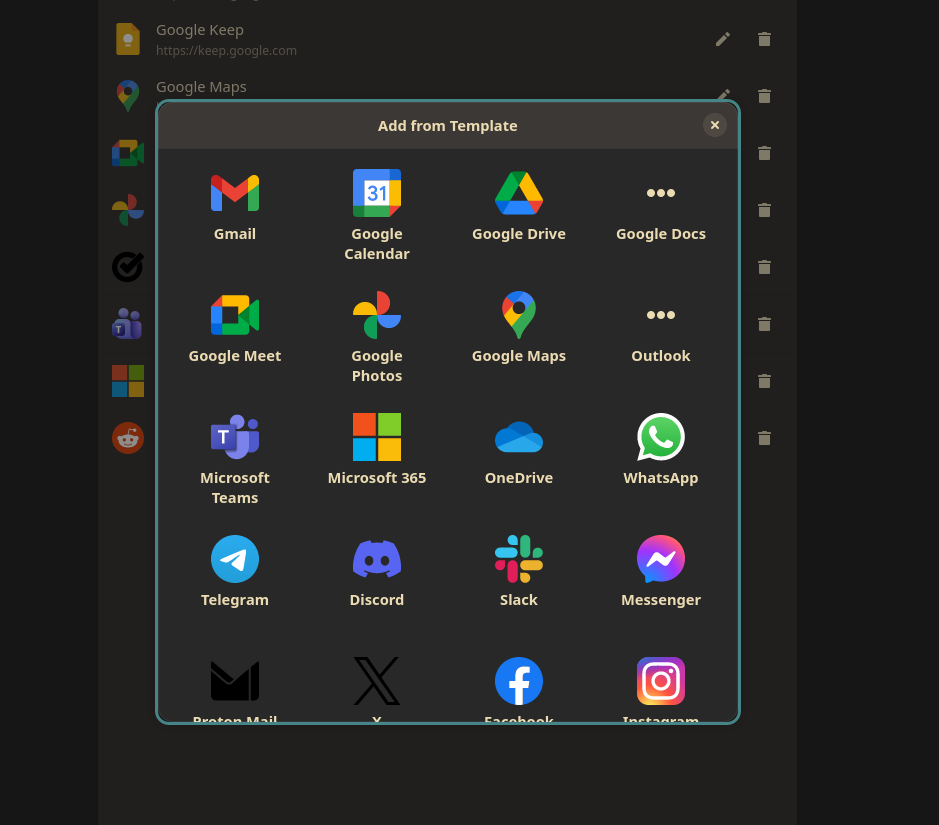
A curated catalog of 50+ popular apps — Gmail, Teams, Spotify, WhatsApp, Notion, Figma and the major AI tools — added in a single click.
Shared logins + profile color
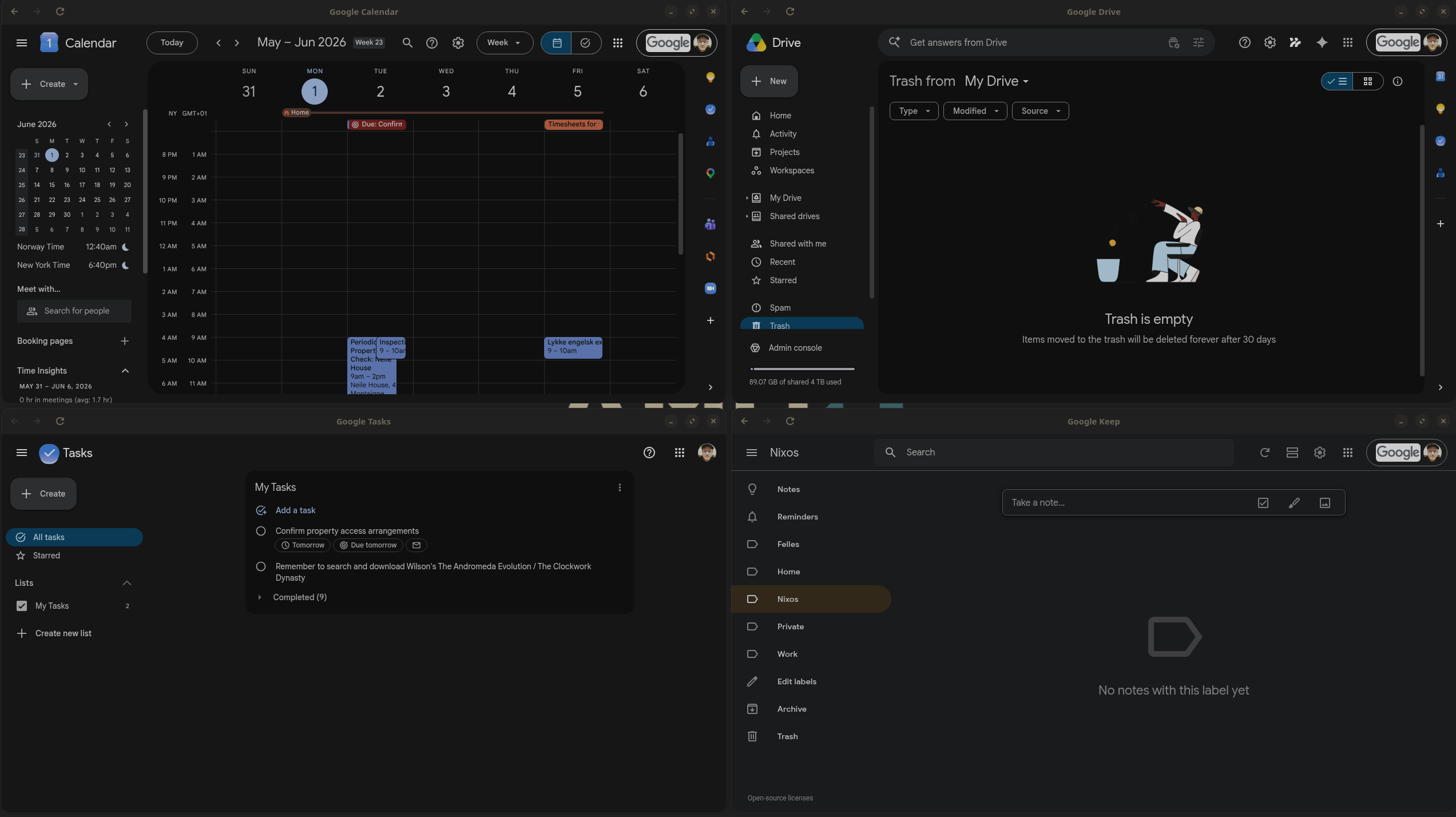
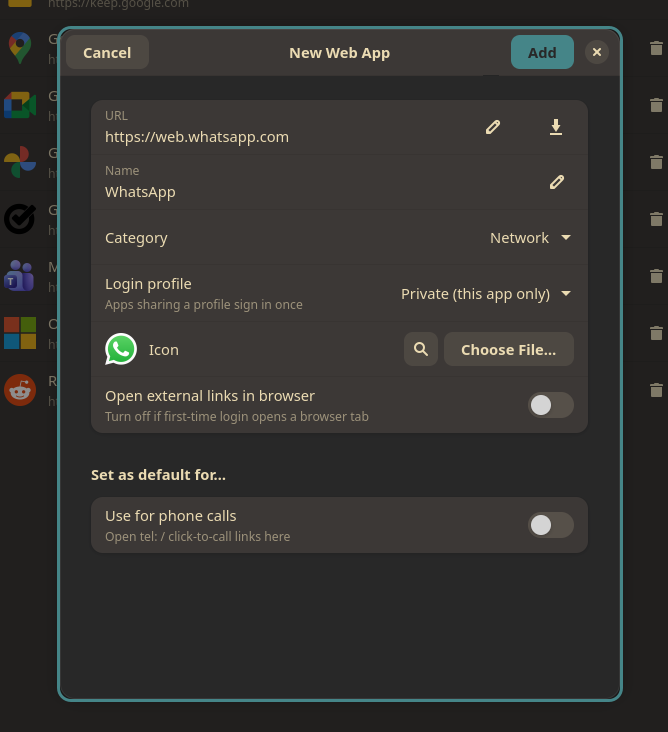
Group apps onto a profile to sign in once and run them side by side with one session, or keep each private — a colored indicator shows which identity (Work vs Private) each app uses.
Identify as any OS
Spoof the browser user agent — Windows, macOS, Mobile or a custom string — for services that gate features by operating system.
Native window & identity
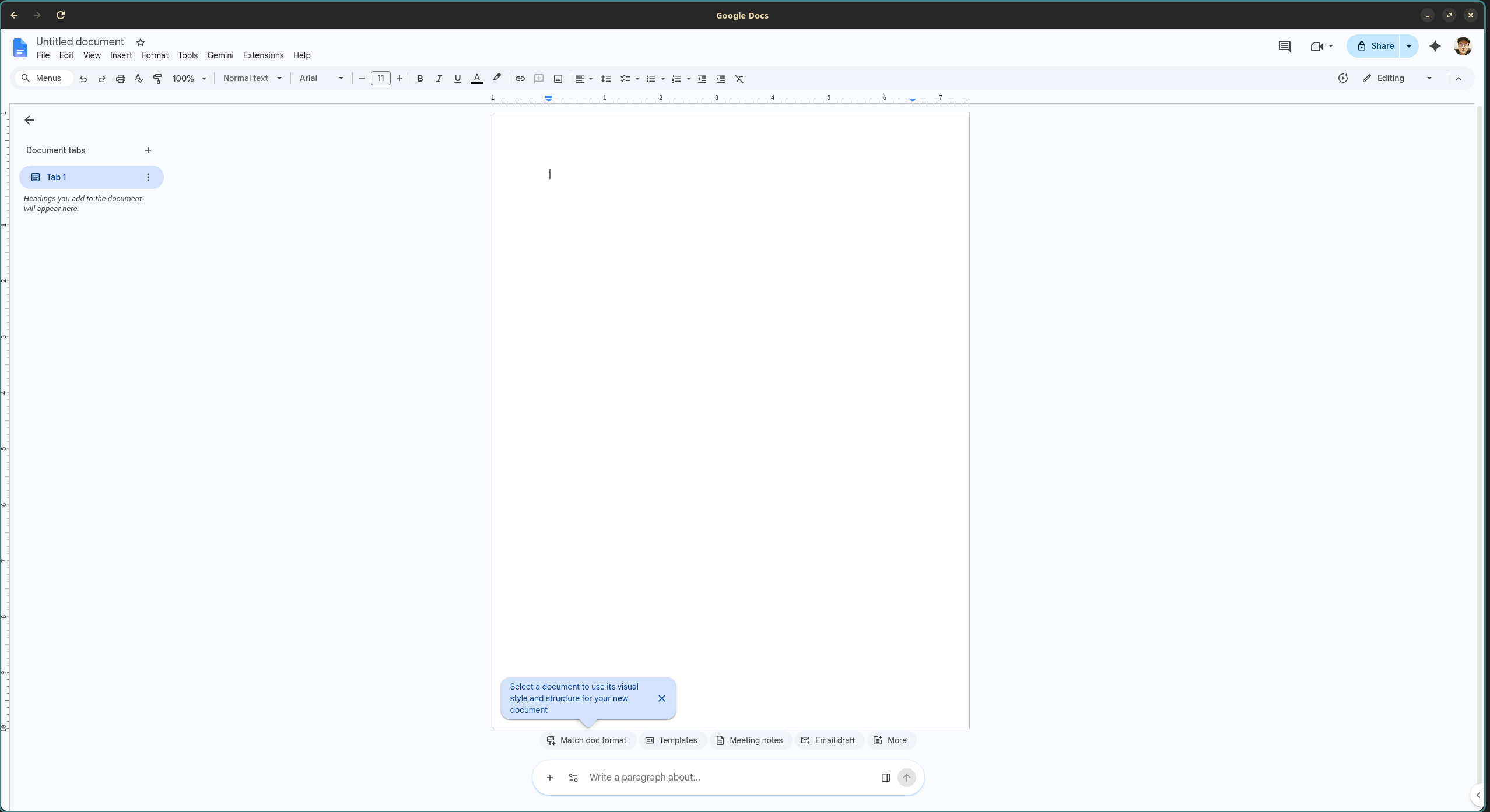
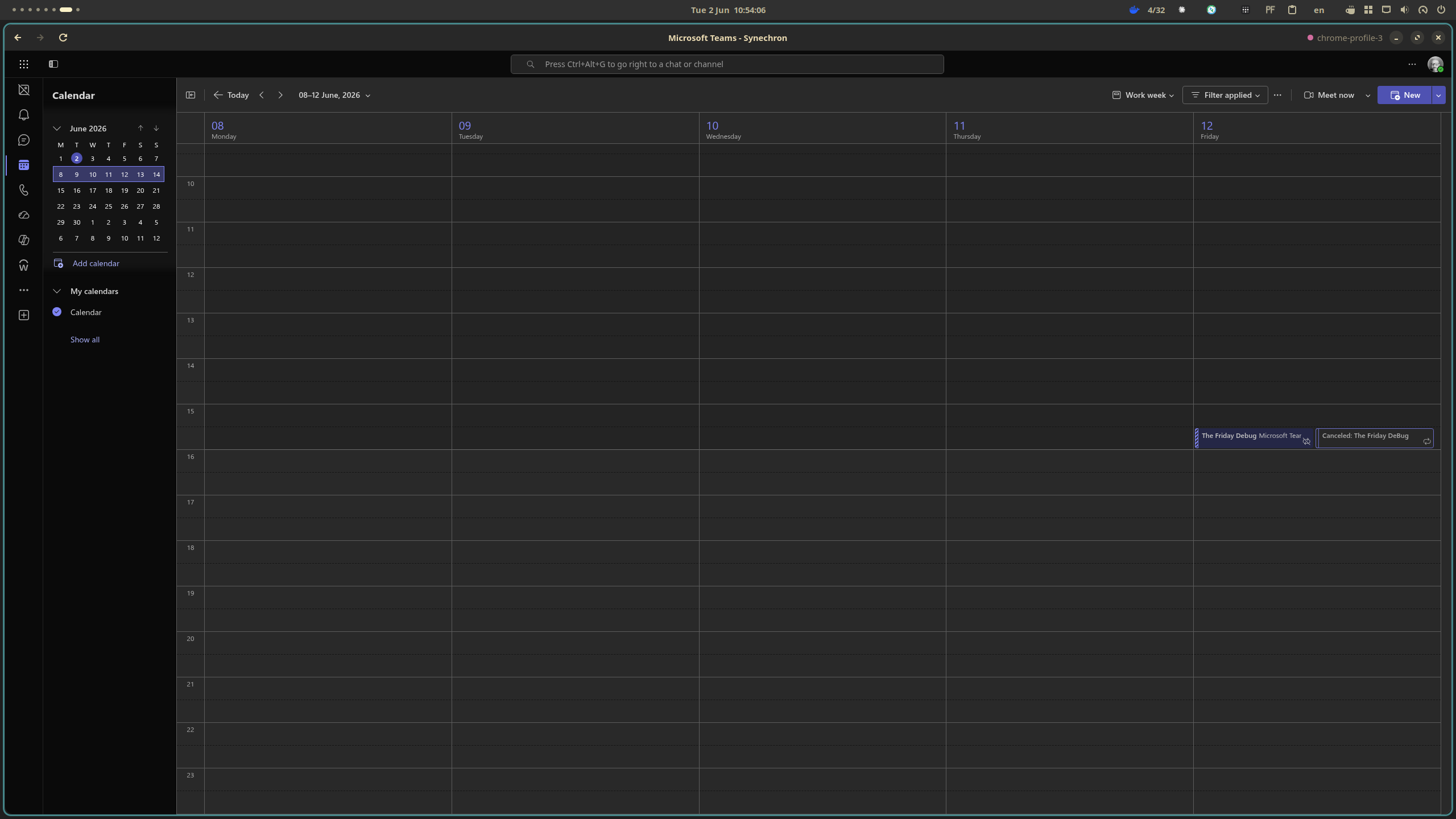
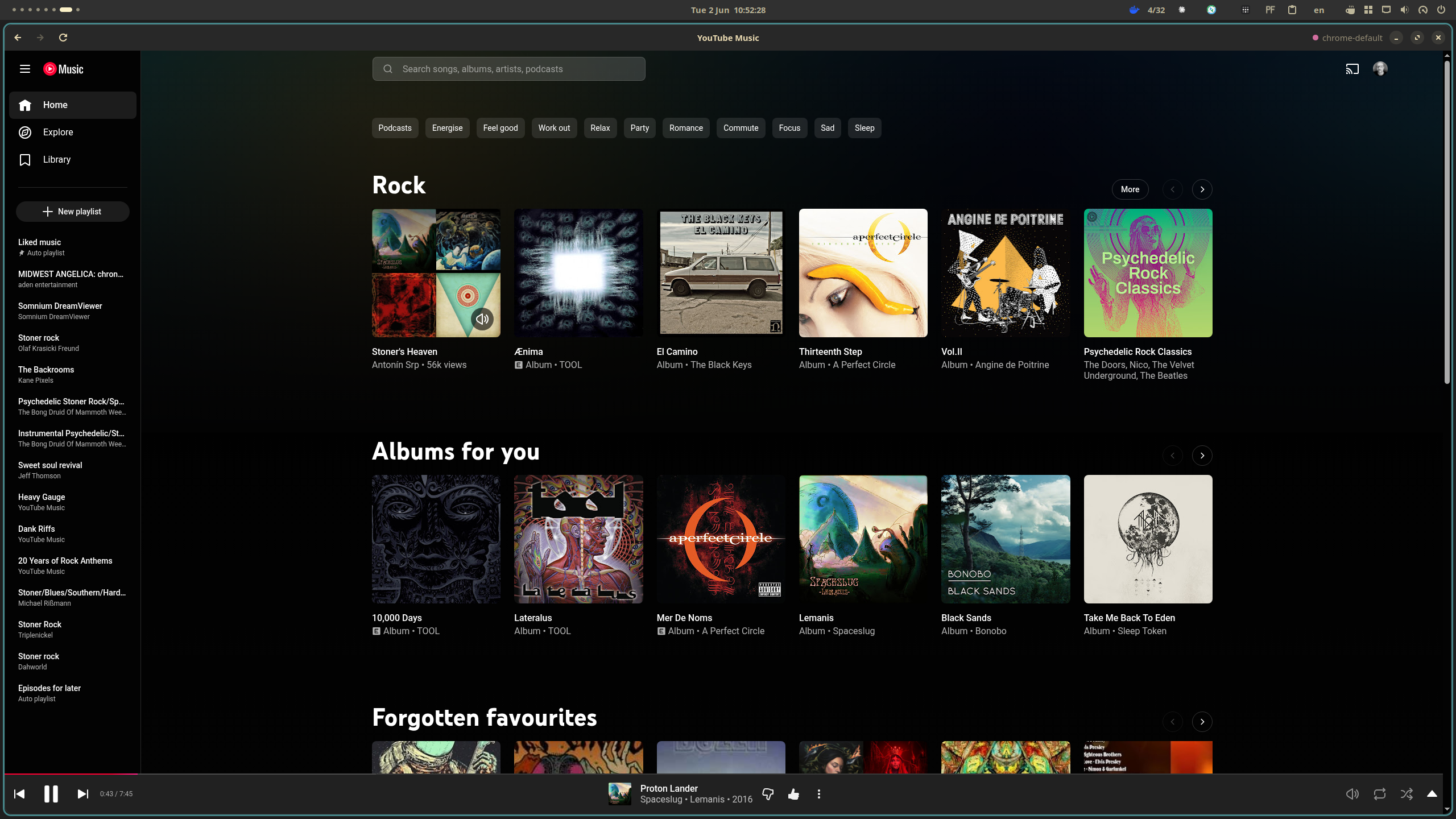
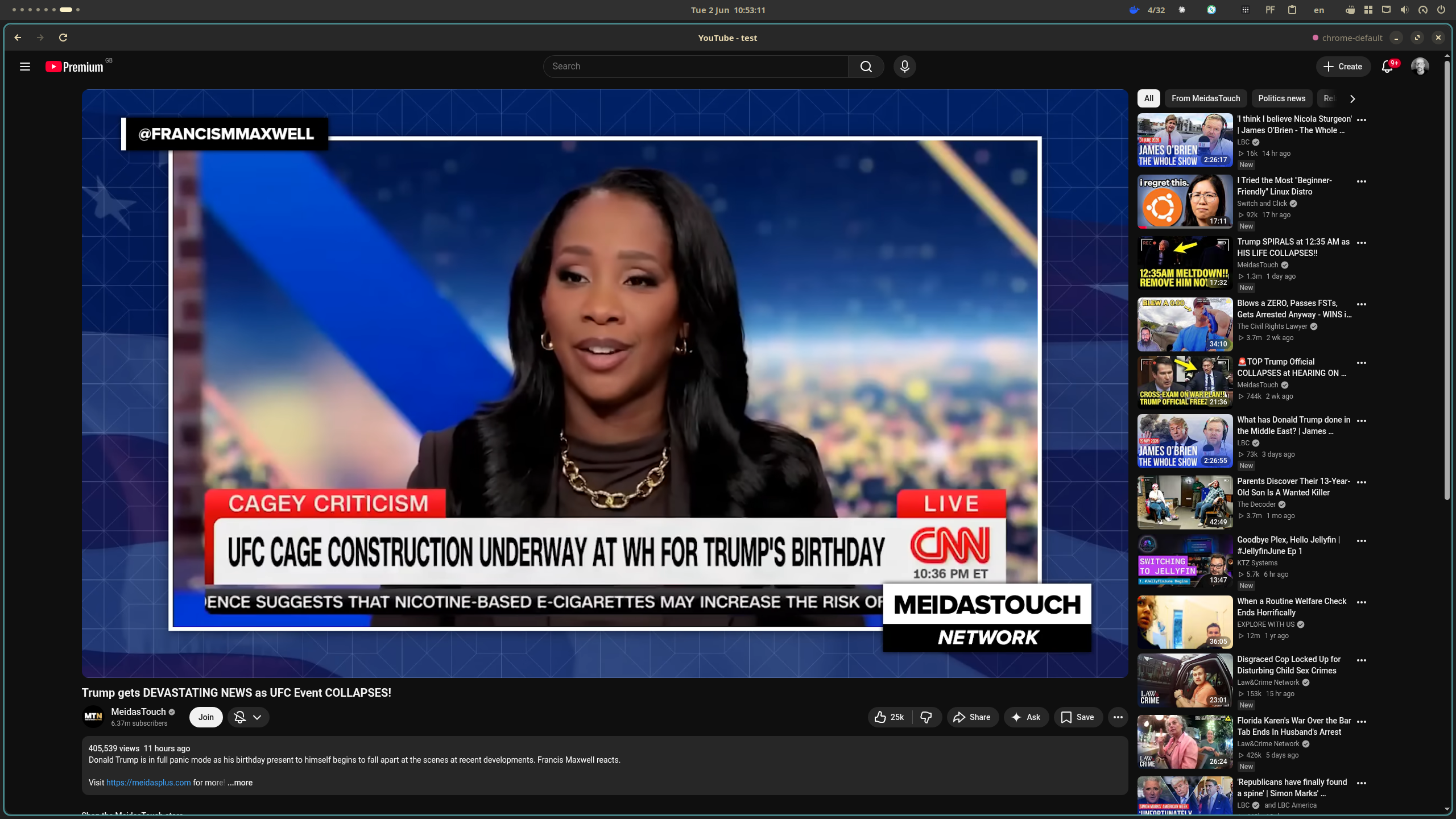
Each app gets its own libadwaita window, dock icon and Alt-Tab entry — not a browser tab.
Smart link handling
Keep everything in-window, or send other sites to your browser — with an SSO/CAPTCHA allowlist so multi-domain sign-in (Microsoft, Google) never breaks.
Sticky notifications + background
Notifications carry the app's name and icon and stay in the list; background mode keeps an app running so they keep arriving after you close it.
Ad & tracker blocking
An optional per-app blocklist strips ads and trackers from sites like YouTube — no extension needed.
Force light or dark
Pin a site to light or dark per app, independent of your system theme. Plus custom CSS and per-app zoom that's remembered.
Default handlers
Make a web app your default for email, calendar or calls — even Teams/Zoom deep links that have no Linux app.
Permission control
Camera, microphone and location are blocked unless you allow them per app. Downloads land in your Downloads folder.
Crisp on HiDPI
Renders at the display's true fractional scale, so it stays sharp on scaled and fractional-scaling setups.
Automatic icons
Crisp logos from the manifest, an online icon search, or your own file. Always a clean icon.
Real site compatibility
Chromium (CEF) rendering means Chrome-only sites and the full codec set just work.